

Audio Cleanup
How to Remove Hiss From a Suno Track Without Making It Dull
A restrained Suno hiss-removal workflow that separates steady noise from metallic shimmer, protects vocal air, and gives you a clear point to stop.
Sunofix field notes
Learn what metallic shimmer, robotic vocals, hiss, harsh highs, and smeared reverb sound like—then choose the right point to clean, mix, and master the track.
Browse by signal
Editor’s desk
Focused starting points for the questions that most often block a clean mix.
A restrained Suno hiss-removal workflow that separates steady noise from metallic shimmer, protects vocal air, and gives you a clear point to stop.

A practical way to check a Suno export, reduce audible artifacts, compare it fairly, and leave mastering for the right stage.

Learn how to tell metallic shimmer from hiss in a Suno track, test the problem on a short loop, and clean it without flattening the whole mix.
Recently published
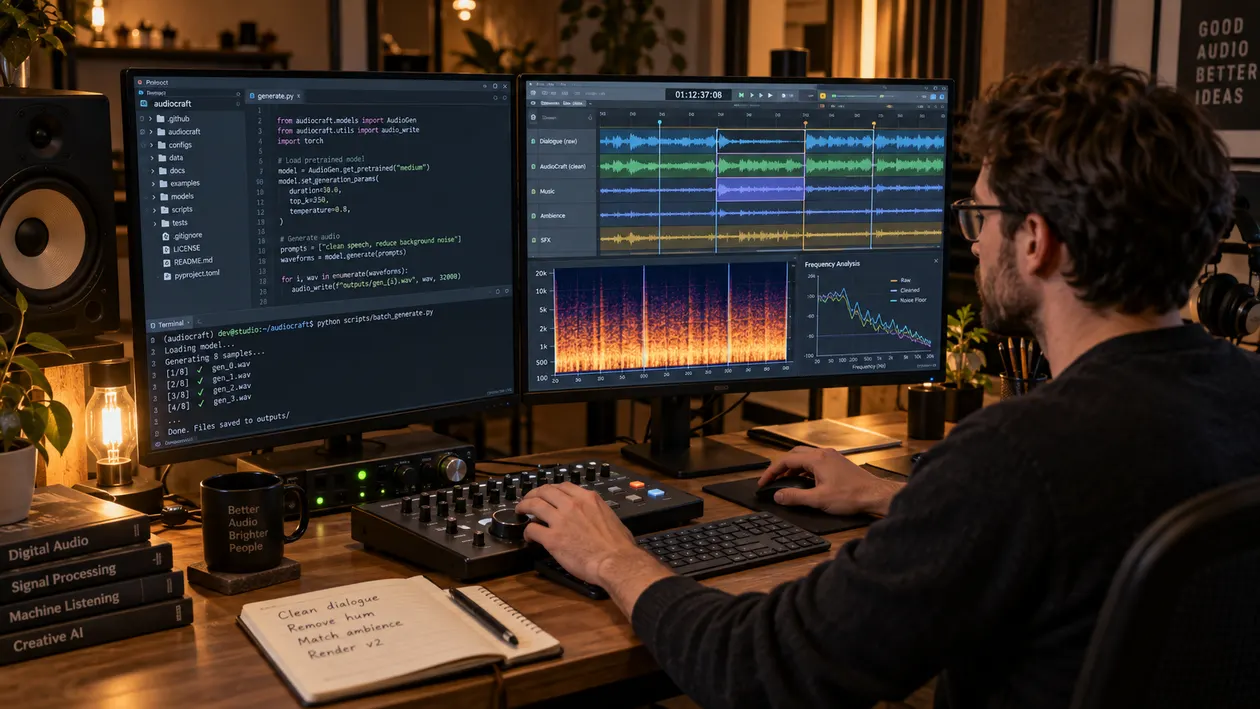
A practical Meta AudioCraft cleanup guide for diagnosing long-form boundary clicks, EnCodec-like grit, high-frequency hiss, resonant mids, and unstable low end before mastering.

A listening-first guide to checking AudioX WAV renders for envelope crackle, abrupt transient decay, hiss, harshness, and low-end instability before mastering.
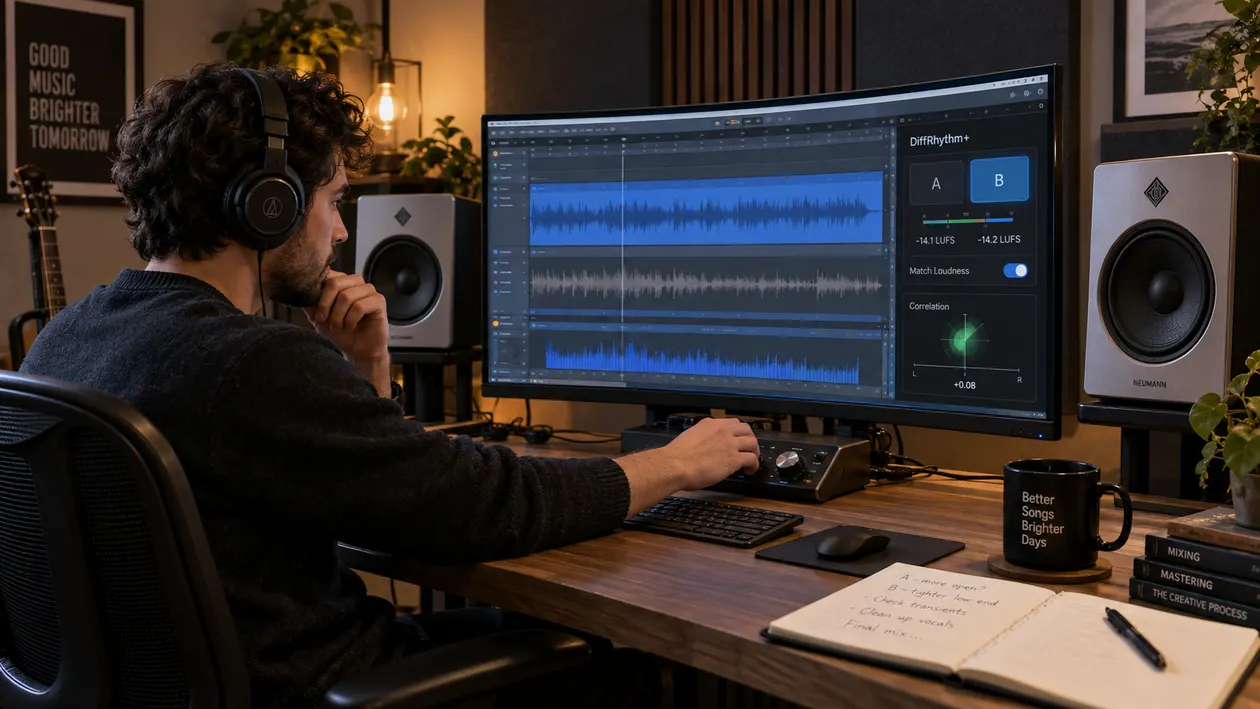
A practical DiffRhythm+ cleanup workflow for checking metallic vocal sheen, stereo coherence, resonances, low-end stability, and matched-loudness results before mastering.

A practical InspireMusic audio cleanup workflow for high-frequency grit, harsh synthetic attacks, unstable low end, careful DAW repair, and level-matched checks before mastering.

A practical guide to InspireSong audio quality, vocal sibilance, synthetic rasp, masking, restrained de-essing, cleanup, and checks before mastering.
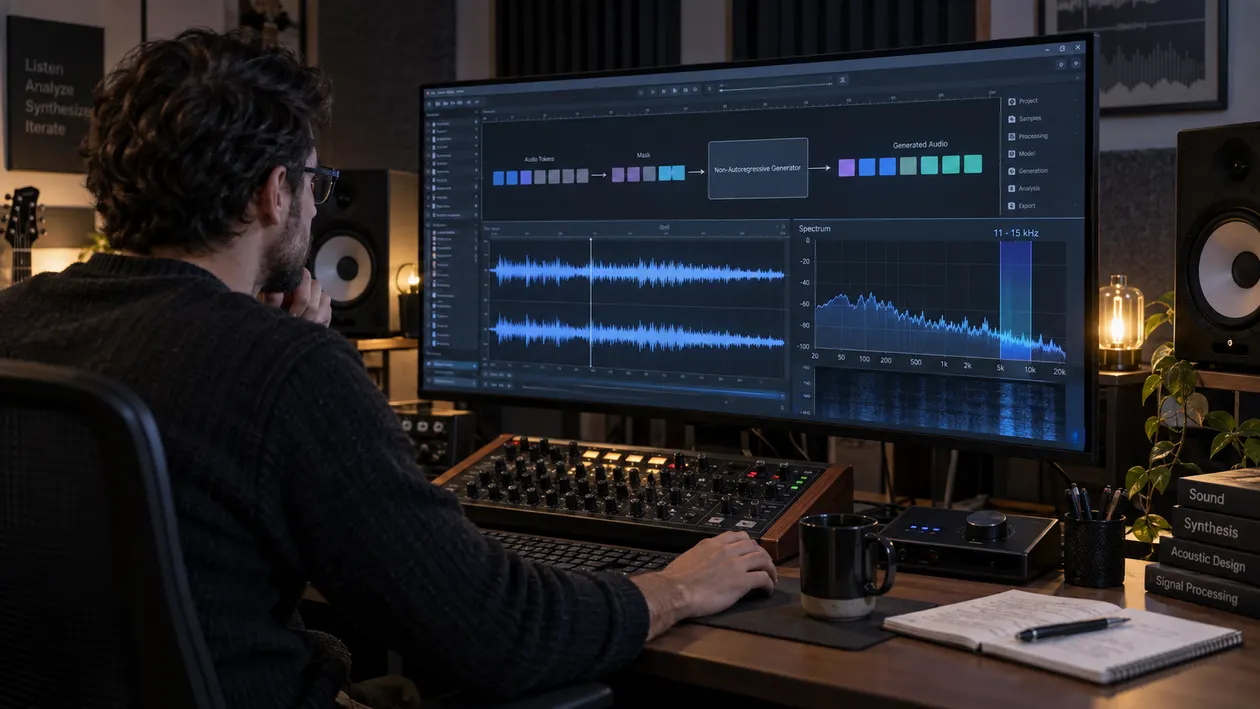
A practical guide to diagnosing Meta MAGNeT audio for high-frequency buzz, parallel-decoding-like jitter, stereo drift, and low-end instability before mastering.
Foundational guides
These core Sunofix guides stay at their original URLs and cover the main diagnosis and workflow questions in depth.
Diagnose glassy shimmer, digital fizz, and brittle high-frequency texture.
Follow a complete diagnosis-to-cleanup workflow without flattening the song.
Work through piercing hats, brittle upper mids, and listening fatigue.
Separate plastic tone, hard sibilance, wobble, and sticky reverb.
Understand why artifact repair belongs before loudness and final polish.
Check cleanup, mastering, exports, and quality control as separate steps.
Have a track in front of you?
Open Sunofix with the best source you have, choose the defects you hear, and compare the cleaned result with the original.
Try Sunofix with 1 free credit